
security
Attackers Now Use AI to Turn Your Software Update Into an Exploit: What to Do About It
17 Nov 20267 min readTendai Gumunyu
Google's latest threat report documents an AI framework that reads a patch, finds the fixed bug and exploits it automatically. Why the patch window is now the target, and a practical checklist for your website.
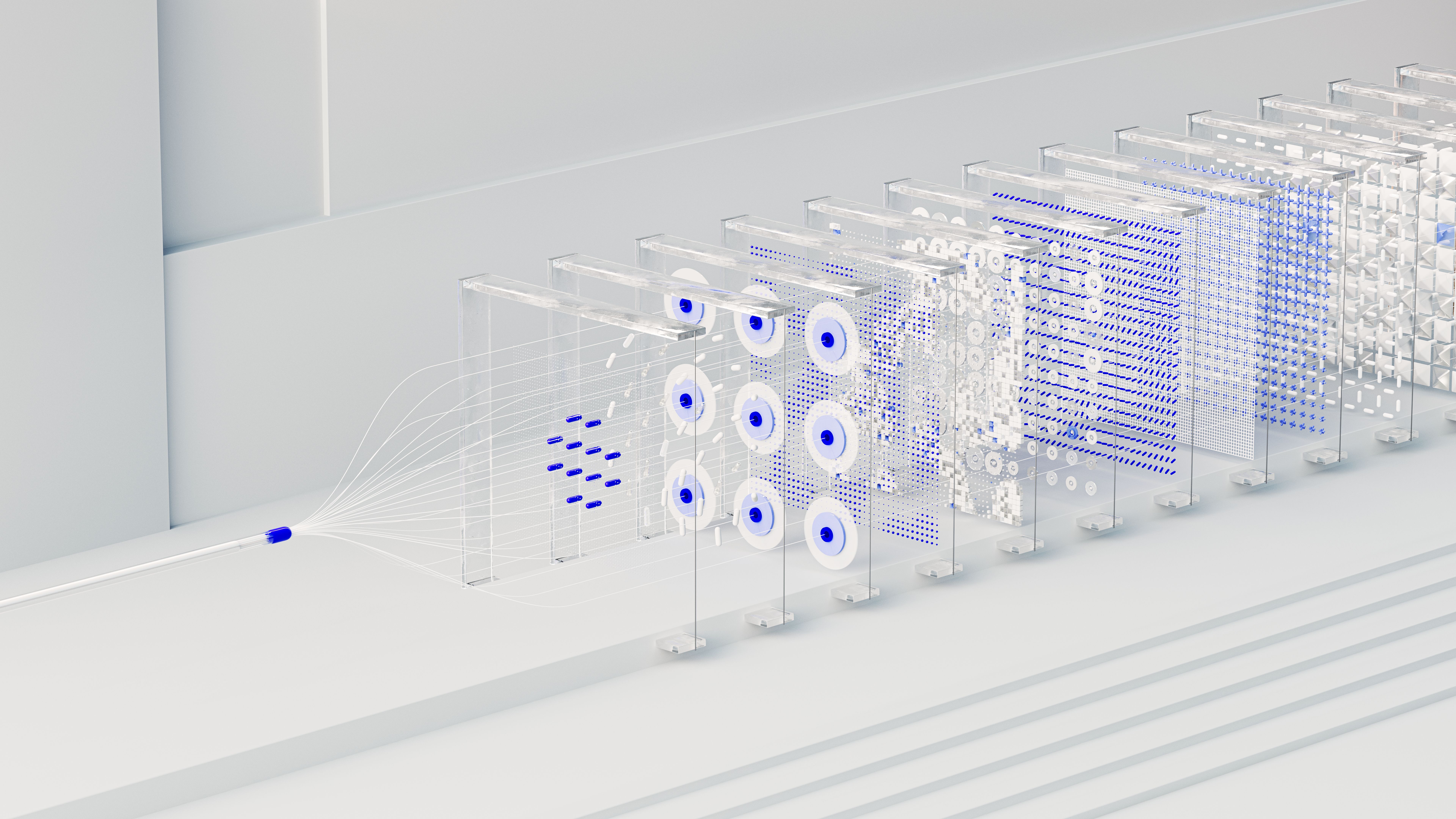
On 16 November 2026, the Google Threat Intelligence Group (GTIG) published its Q4 AI Threat Tracker with a finding that security teams had been predicting for a while: attackers are now running LLM-powered frameworks that find and exploit vulnerabilities with no human in the loop.
The part that matters for anyone who owns a website is not the AI. It is the timing. These tools go after the gap between a fix being released and you installing it.
What Google actually found
GTIG came across an exposed staging server hosting a multi-agent framework it calls exploit_agent. It is built to plug into several frontier and local language models. According to the reporting on the tracker, the framework does continuous differential analysis on popular web application software: it compares the code before and after a patch is announced, works out which flaw was fixed, drafts an exploit and runs it automatically.
In plain terms, a software update used to be a free security fix. Now it is also a free map showing attackers exactly where the hole was.
GTIG also tracked other agentic tools in the wild, so this is turning into a category of tooling, not a one-off curiosity.
The target is the patch window, not the zero-day
It is easy to read "AI hacking" and picture machines inventing brand new attacks. The report points somewhere less dramatic. Overall vulnerability disclosures and exploits nearly doubled between January and August 2026, while zero-day exploitation moved far less. The automation is aimed at n-days: flaws that already have a patch available.
That makes the time between "fix released" and "fix installed" the whole game. One example from the report: after two PaperCut print server flaws were disclosed, researchers built working exploits with LLMs within a day, and a campaign against hundreds of organisations followed about four days later.
If your site gets updated "when someone gets round to it", that gap is now the attack surface.
The limits are real
This is not a reason to panic. GTIG notes that these frameworks currently trade stealth for speed. Unrestricted autonomous execution makes a lot of noise, and it leaves traces that raise the chance of detection. When one set of PHP flaws was found with LLM-assisted analysis, hundreds of proof-of-concept exploits appeared afterwards, and many were claimed to be non-functional, likely generated by AI. Defenders had to spend time checking them.
The AWS security team made a related point about the AI-agent campaigns it observed: the agents succeeded where basic hygiene was missing. Default or hardcoded credentials, keys left in code, unauthenticated endpoints and unpatched software.
That is the useful takeaway. The boring basics are what held up.
What this means for a South African business website
Most small business sites run on a short list of things that all get security updates: WordPress core and plugins, a PHP framework such as Laravel and its packages, JavaScript libraries, the server software and the hosting control panel. Every one of those has a public changelog, and a changelog is exactly what these tools read.
- Old plugins are the easiest target. An abandoned plugin with a known flaw can be exploited by a script within days of the fix being published.
- Weeks-long update cycles are too slow. Monthly maintenance windows were designed for a slower world.
- Default settings are a gift. Admin accounts named "admin", reused passwords and exposed login pages are found automatically.
- Secrets in code get harvested. API keys committed to a repository or left in a public file are scanned for continuously.
A practical checklist for this week
- Turn on automatic security updates for your CMS core and for plugins that you trust, and test major updates on a staging copy first.
- Delete what you do not use. Deactivated plugins and old themes still count as attack surface.
- Have a same-day path for critical fixes. Know who can deploy an urgent security patch on any day of the week, not only inside the maintenance window.
- Remove default and shared credentials. Unique passwords, a password manager and two-factor authentication on every admin login, hosting account and domain registrar.
- Keep secrets out of code. Use environment variables, rotate any key that has ever been committed, and lock down unauthenticated API endpoints.
- Keep tested backups off the server. If the worst happens, a clean restore is your recovery plan.
- Watch your logs. Sudden bursts of requests to login pages or odd file paths are an early warning.
The defensive side is moving too
Google says it is using Gemini and other frontier models in its AI Threat Defense work to find and fix flaws before attackers get to them. The same shift applies at small scale: automated dependency scanning, automated security updates and automated alerts are now baseline tools, not extras for large companies.
The bottom line
The new attacks do not need to be clever. They need you to be slow. Shortening the time between a patch being released and a patch being live on your site is the single most effective thing you can do, and for most small sites it costs very little.
Frequently asked questions
Does this mean my small business website is now a target?
Automated tools scan the internet broadly, so size is not what protects you. Being unpatched is what gets you picked. Small sites on outdated plugins are exactly what automated scanners find.
What is an n-day vulnerability?
It is a flaw that has already been publicly disclosed and fixed by the vendor, but that has not yet been fixed on your system. Attackers like them because the exploit target is known and the fix is public.
Is it safe to turn on automatic updates?
For security releases of well-maintained software, usually yes, and the risk of delaying is now higher than the risk of updating. For major version changes, test on a staging copy first.
How quickly should critical patches be applied?
For internet-facing systems, as fast as you can test them safely. Aim for days, not weeks, and treat actively exploited vulnerabilities as same-day work.
Want to know how exposed your website is right now?
Get in touch and I will run through your site's updates, plugins, credentials and hosting setup, and tell you what to fix first.
Work with me
Have a project in mind after reading this?
Send a short brief and I’ll reply within one business day with a plan, a fixed price and the earliest start date.