Resolving NightsBridge Booking Conflicts and Double Bookings
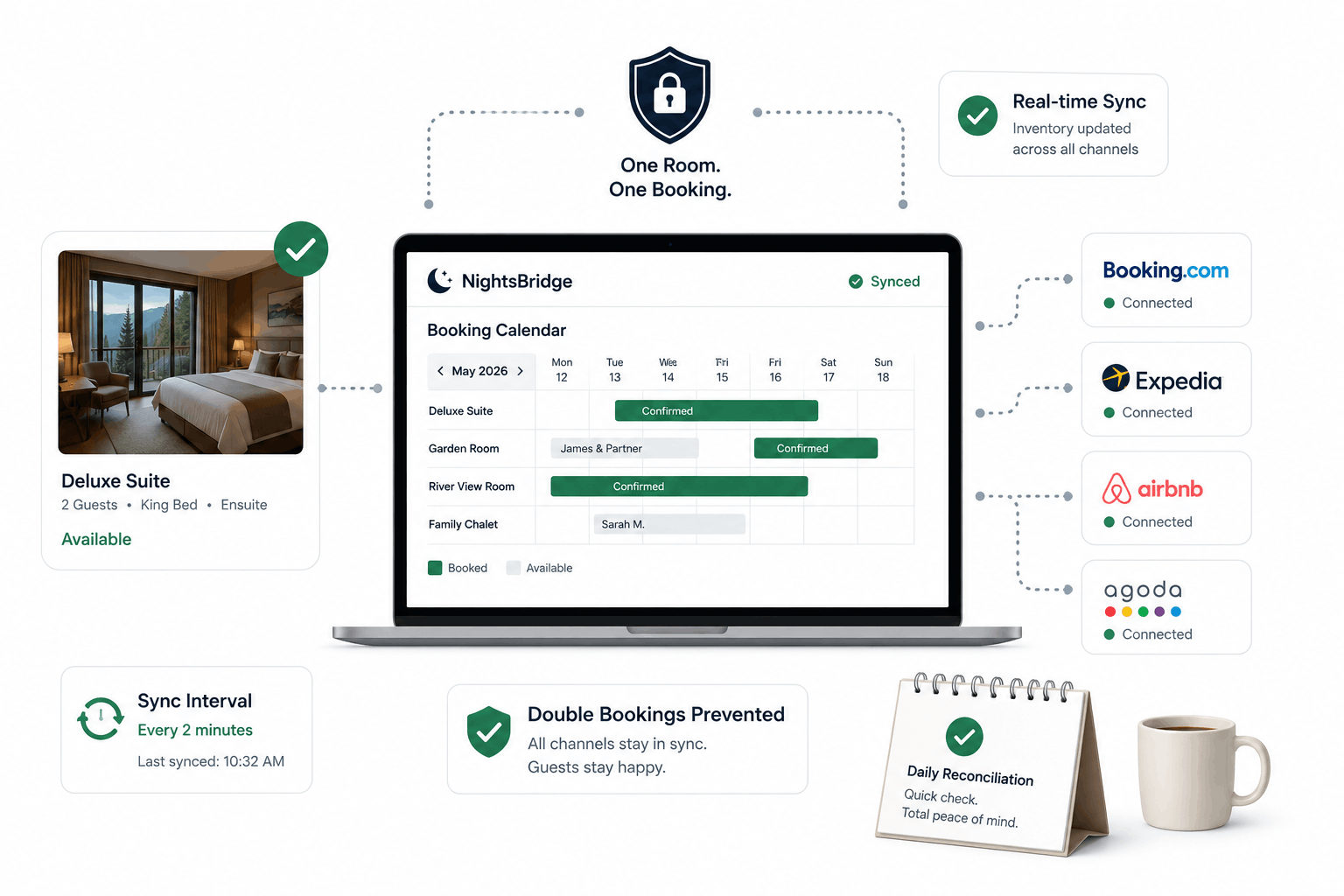
Two guests, one room, the same night. Here's how to trace and fix the sync delays between NightsBridge, your website, and your OTA channel manager that cause double bookings.
There is no phone call a lodge owner dreads more than the one that starts with "I think we both booked the same room." A double booking is not just an awkward apology and a refund, it is a direct hit to the trust a guest placed in you before they ever arrived.
NightsBridge itself is reliable, which is exactly why double bookings almost always trace back to the connections around it, not the platform itself. If your booking flow spans a custom-styled NightsBridge widget alongside external OTA channels, here is where to look first.
1. Check Your Channel Manager Sync Interval
Most double bookings happen in the gap between when a room is booked on one channel and when that update propagates to every other channel. If your channel manager syncs every 15 to 30 minutes rather than in near real-time, a high-demand room booked simultaneously on two platforms during that window will slip through. Confirm your actual sync interval, do not assume it is instant.
2. Audit for Duplicate Room Type Mappings
A frequent, quiet cause: the same physical room mapped to two different room type IDs across your website and an OTA, so each system believes it is managing separate inventory when it is really the same bed. Cross-check your room type IDs against every connected channel, not just NightsBridge's own dashboard.
3. Watch for Manual Overrides Bypassing the Sync
A booking taken over the phone and entered manually into NightsBridge, without going through the standard booking flow, can sometimes bypass the same inventory hold logic that protects against conflicts. Make sure staff enter manual bookings through the process that actually triggers a sync, not a shortcut around it.
4. Confirm Your Failover Behavior During Downtime
If NightsBridge or your channel manager experiences brief downtime, what happens to bookings attempted during that window matters enormously. Confirm with your provider what their failover and conflict-resolution behavior actually is, rather than assuming it is handled.
5. Build a Daily Reconciliation Habit
Even a well-configured sync benefits from a human check. A five-minute daily glance across your booking calendar, comparing NightsBridge against your top OTA channels, catches the rare conflict before a guest ever finds out about it.
Trust, once damaged by a double booking, is expensive to rebuild. A tightened sync process is far cheaper than the apology tour that follows a mistake.
LET’S TALK
Have a project in mind after reading this? Send a brief and I usually reply within 24 to 48 hours.